Here’s a handy guide to top free AI image generators you can use right now, ideal for creators, marketers, hobbyists—or anyone who wants stunning visuals without the cost. Each tool is presented with what it offers, how to use it, and caveats to watch.
(If you’re looking for one focused on a specific use‑case (social media graphics, product mockups, character art), I can pull a tailored list too.)
1. Adobe Firefly

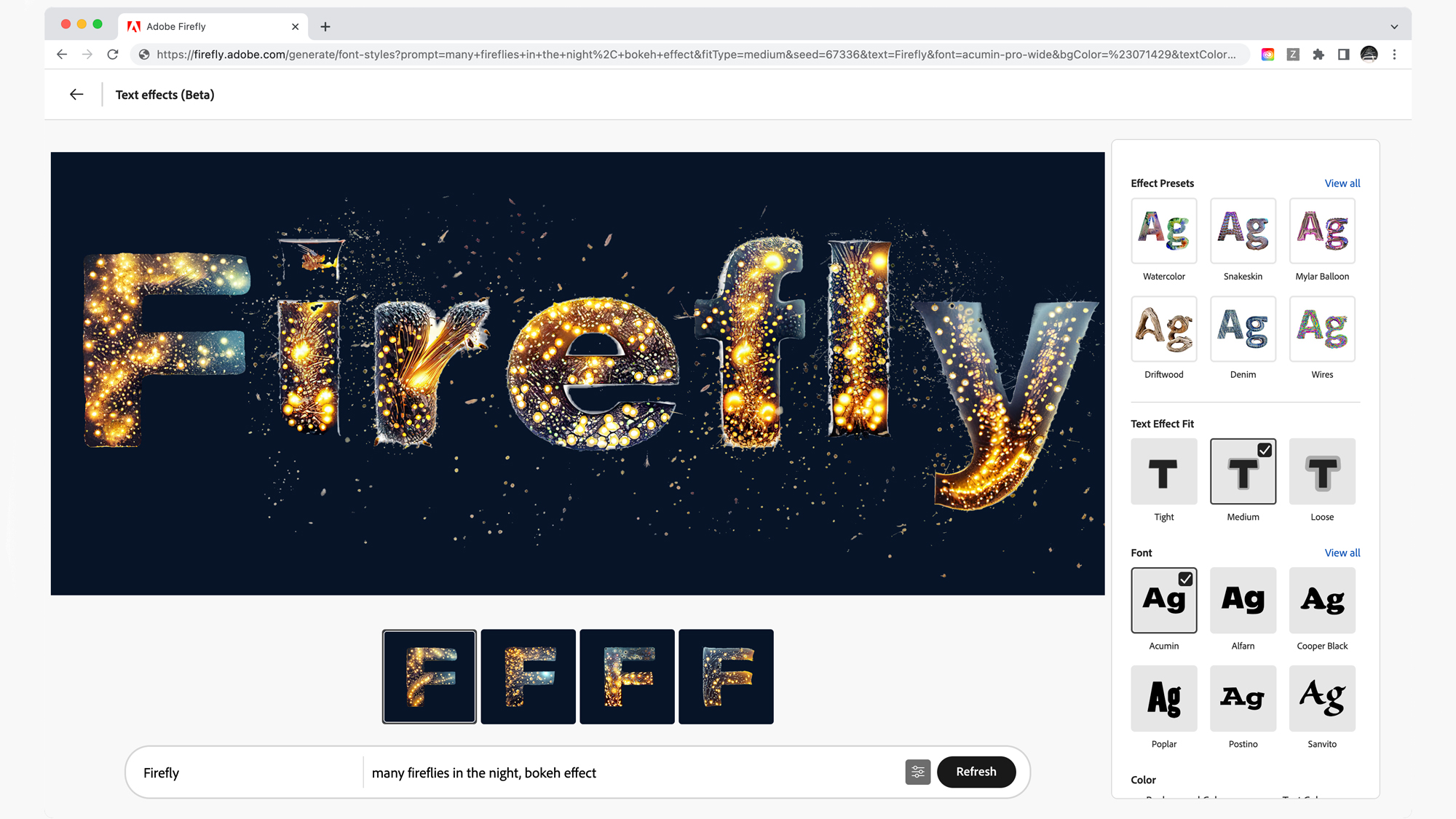
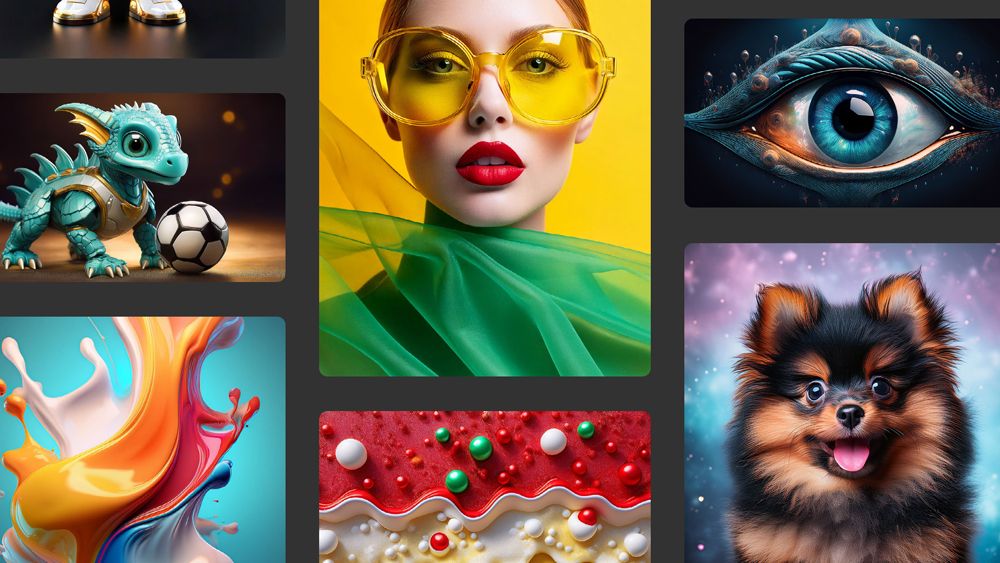


What it is: A web‑based tool by Adobe that turns text prompts into images (and supports style variation, edits) in a polished workflow. (Adobe)
Key benefits:
- Free access for basic use: you can generate images with a free Adobe ID. (Adobe)
- Multiple art styles: realistic, graphic, abstract, etc. (Adobe)
- Designed for creators and professionals (so quality is solid).
Caveats: - Free credits may be limited (you’ll hit a quota for high‑quality images).
- For commercial usage you’ll want to check the exact licence terms (Adobe addresses this in its FAQ). (Adobe)
Best for: Social posts, design mockups, high‑quality visuals where you want control + ease.
2. Canva AI Image Generator
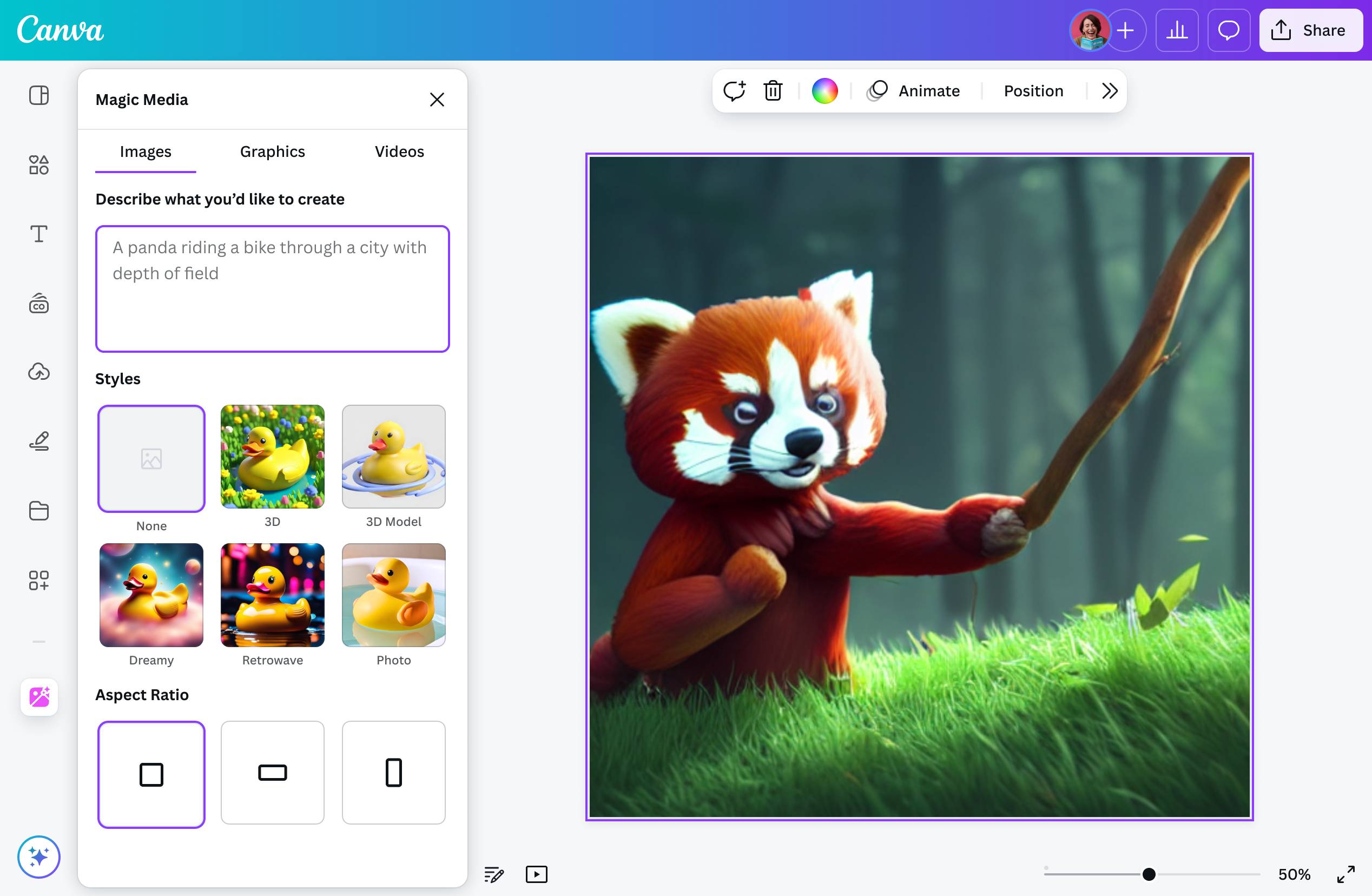

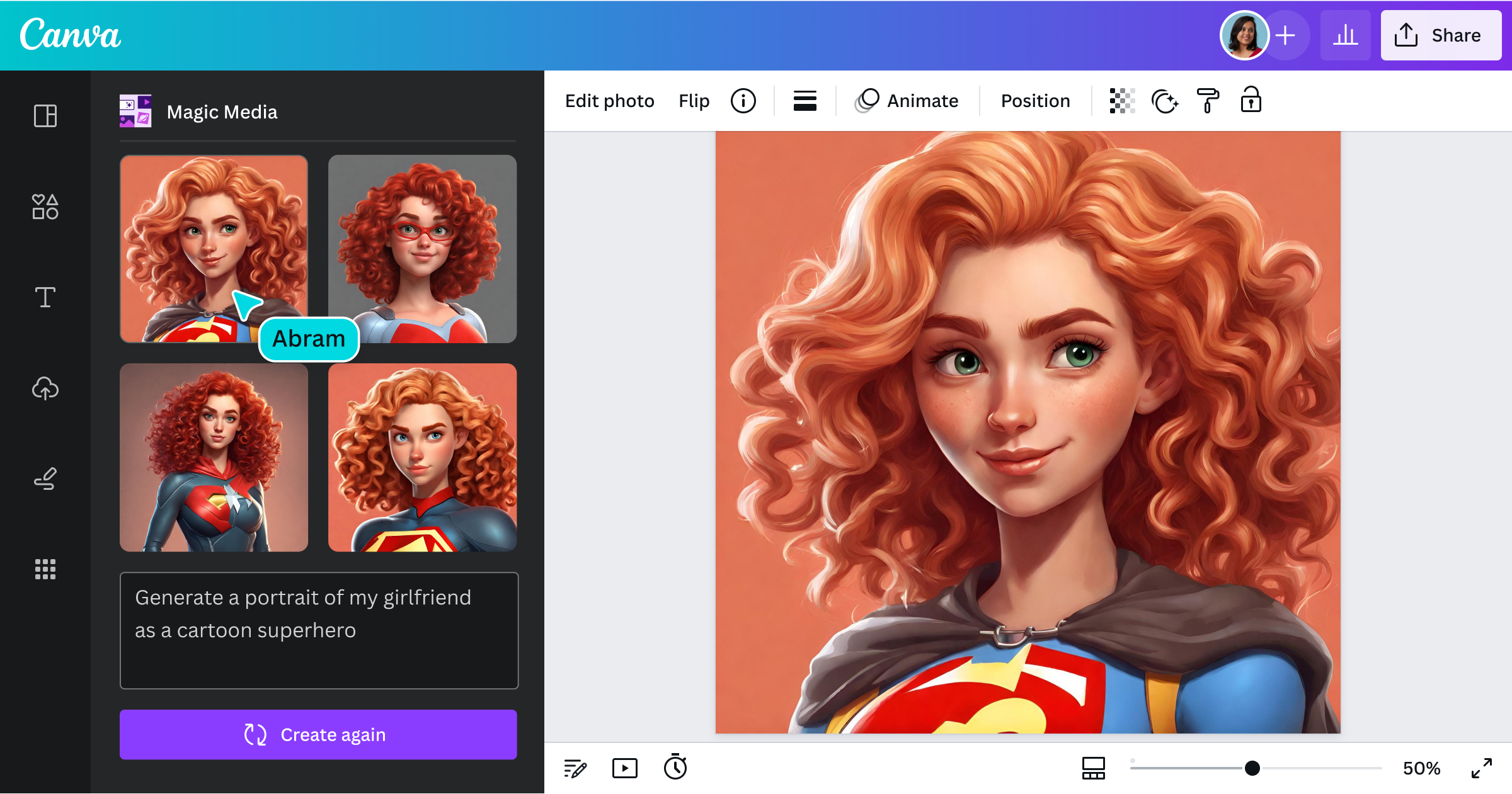
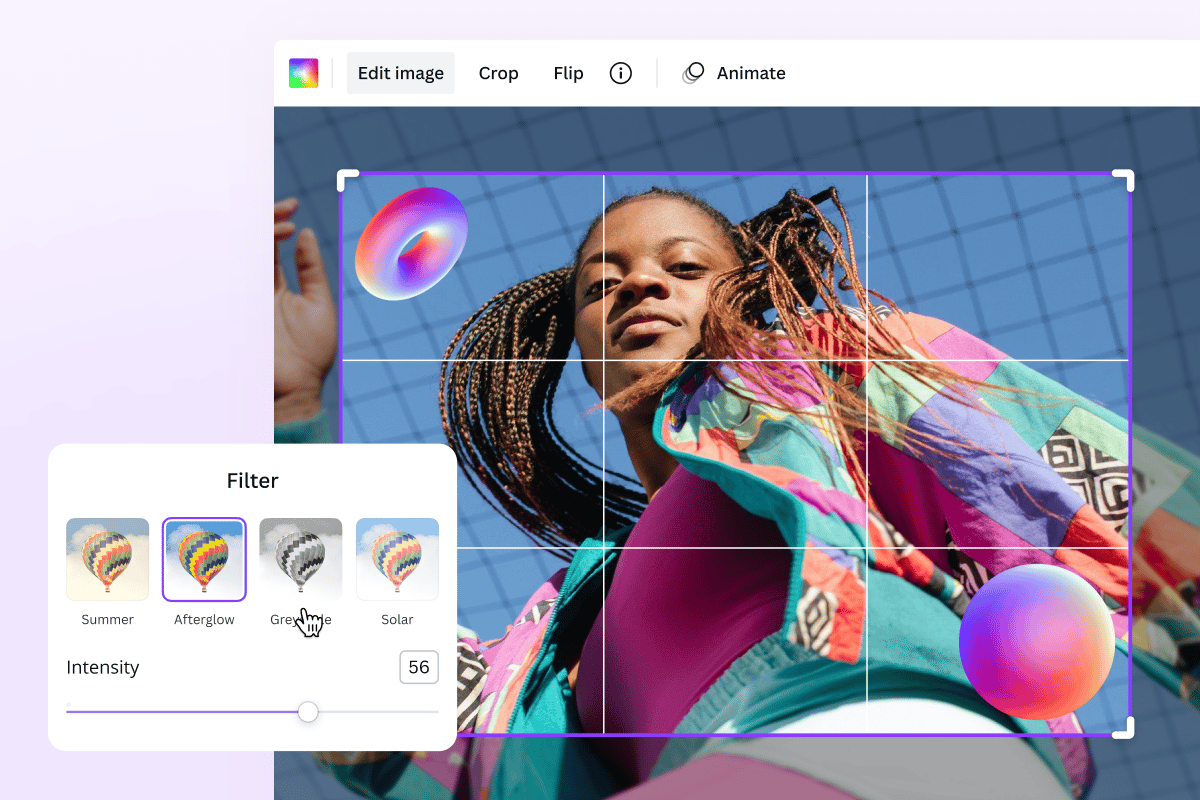

What it is: A mainstream design platform (Canva) with an integrated text‑to‑image AI generator. (Canva)
Key benefits:
- Very beginner‑friendly; one interface for design + image generation.
- Free tier gives access to AI generation so you can experiment without cost.
Caveats: - The free tier may impose more limits (on quality, features, number of images) than professional tools.
- If you’re very particular about output fidelity or commercial licence you may need to upgrade.
Best for: Quick visuals for blogs, social media, newsletters; when you want design and image generation in a single tool.
3. Freepik AI Image Generator

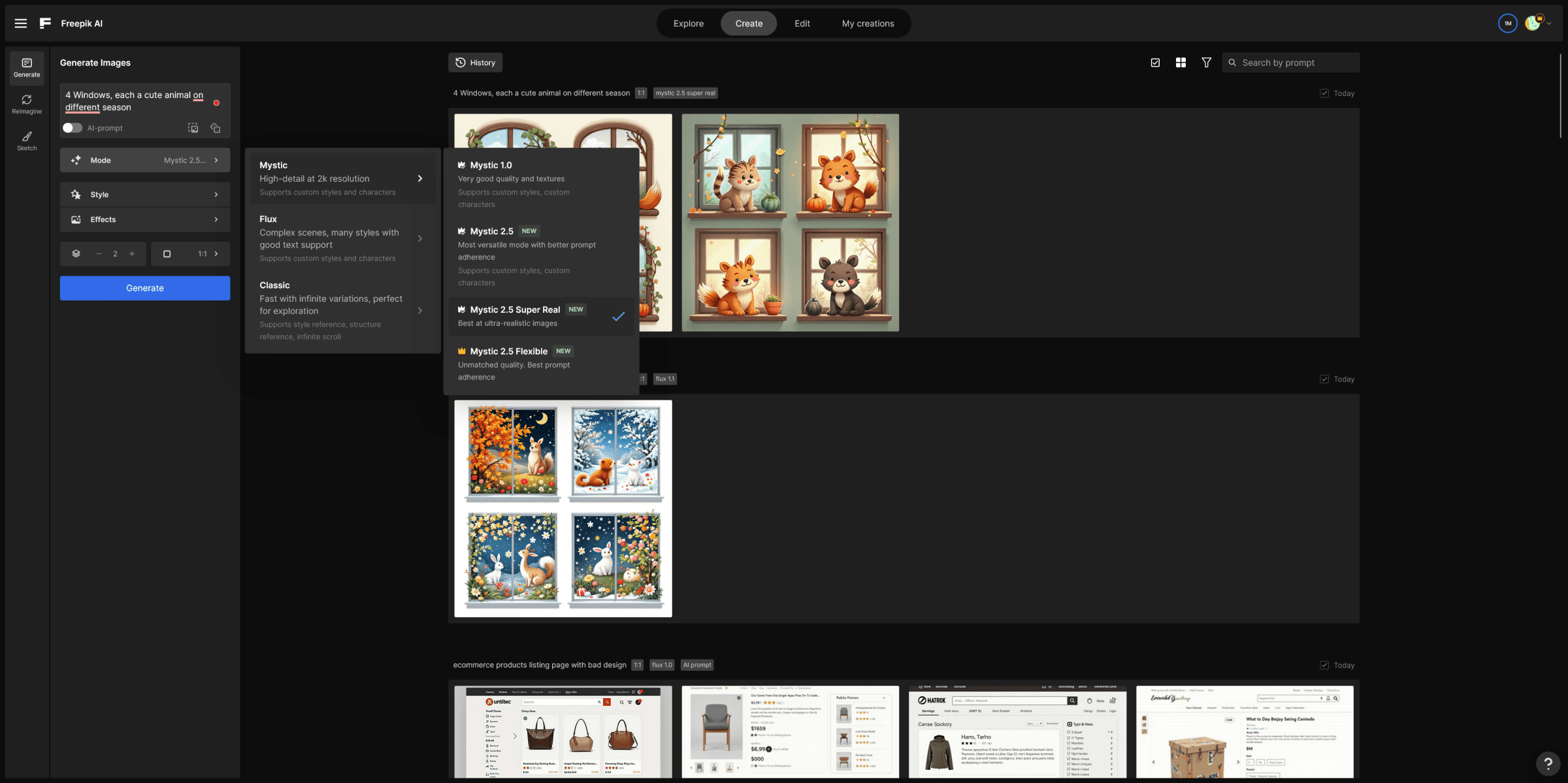

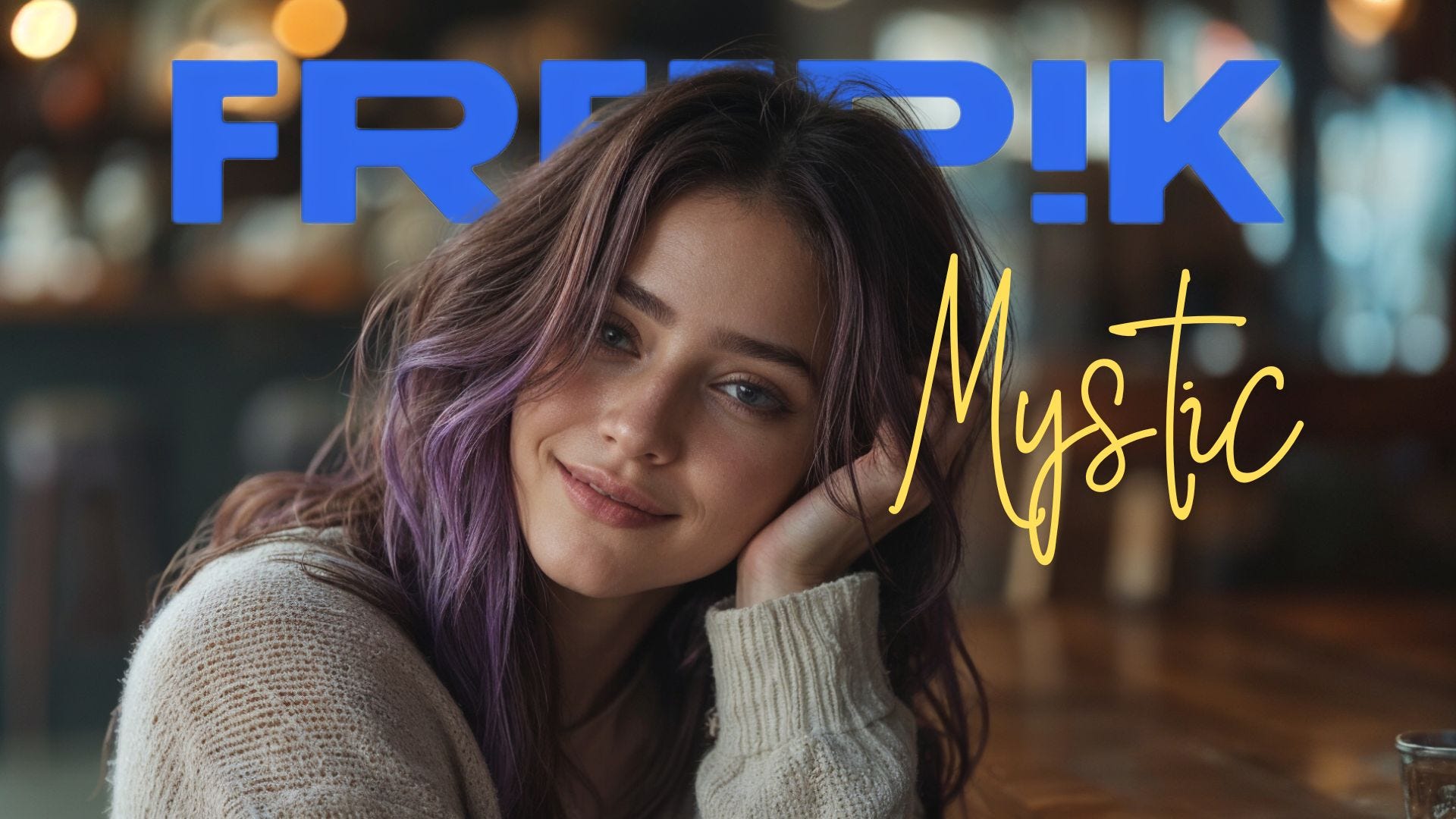
What it is: A tool by Freepik offering multiple image‑generation models (Flux, Mystic, Google Imagen etc) inside one interface. (Freepik)
Key benefits:
- Free generation available (e.g., up to 20 images/day in free plan) according to their FAQ. (Freepik)
- Lots of style/model options give you creative flexibility.
Caveats: - Free plan may restrict daily usage or resolution.
- Check licence/usage rights especially if you plan to use images commercially.
Best for: Creators who want more control over style/model, or producing consistent visuals across a brand/design system.
4. Krea AI Image Generator



What it is: A platform aggregating multiple leading models (e.g., Flux, Imagen, Nano Banana) under one tool. (Krea)
Key benefits:
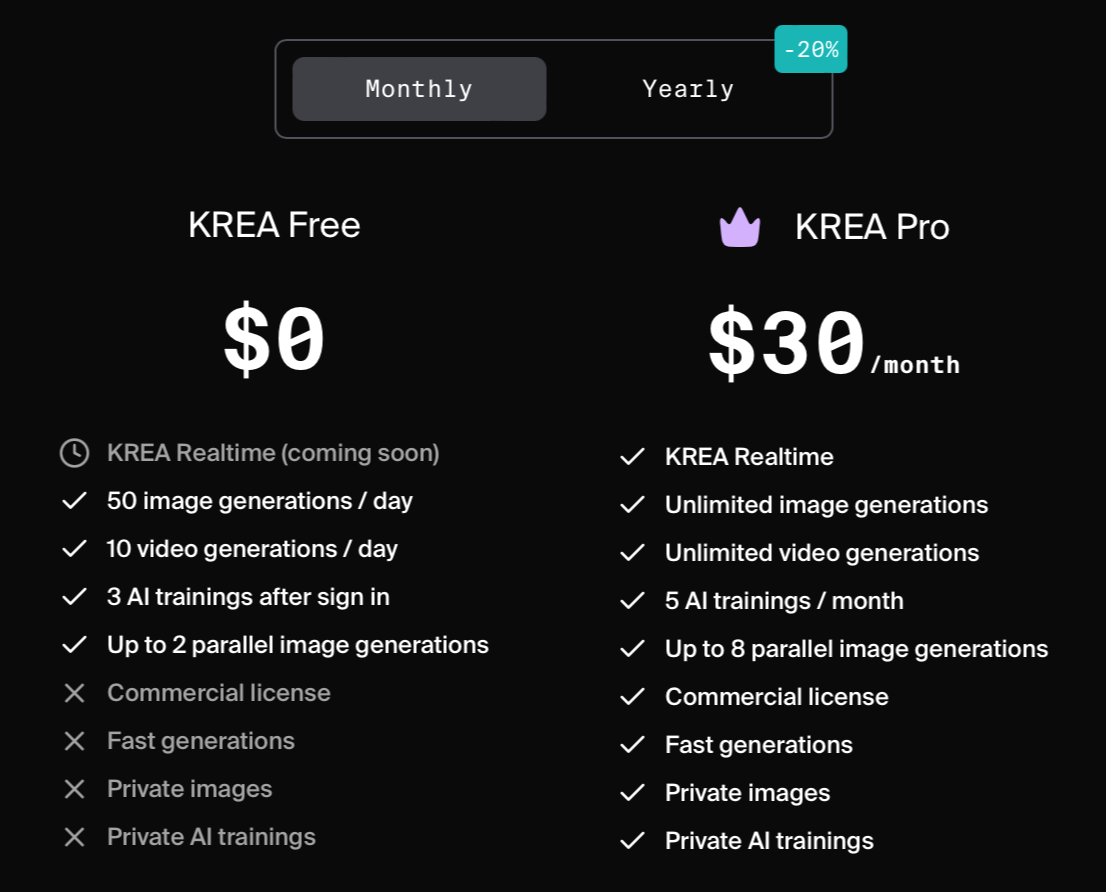
- Free tier available; you can try generating without cost. (Krea)
- High resolution capability (HD/4K) for certain models. (Krea)
Caveats: - The highest resolution / commercial‑use features may be gated behind paid tiers. Free plan may not guarantee commercial licence. (Krea)
- Some models may require specific prompts or experimentation.
Best for: Users looking to push image generation further (resolution, print use) and willing to experiment with different model options.
5. QuillBot AI Image Generator

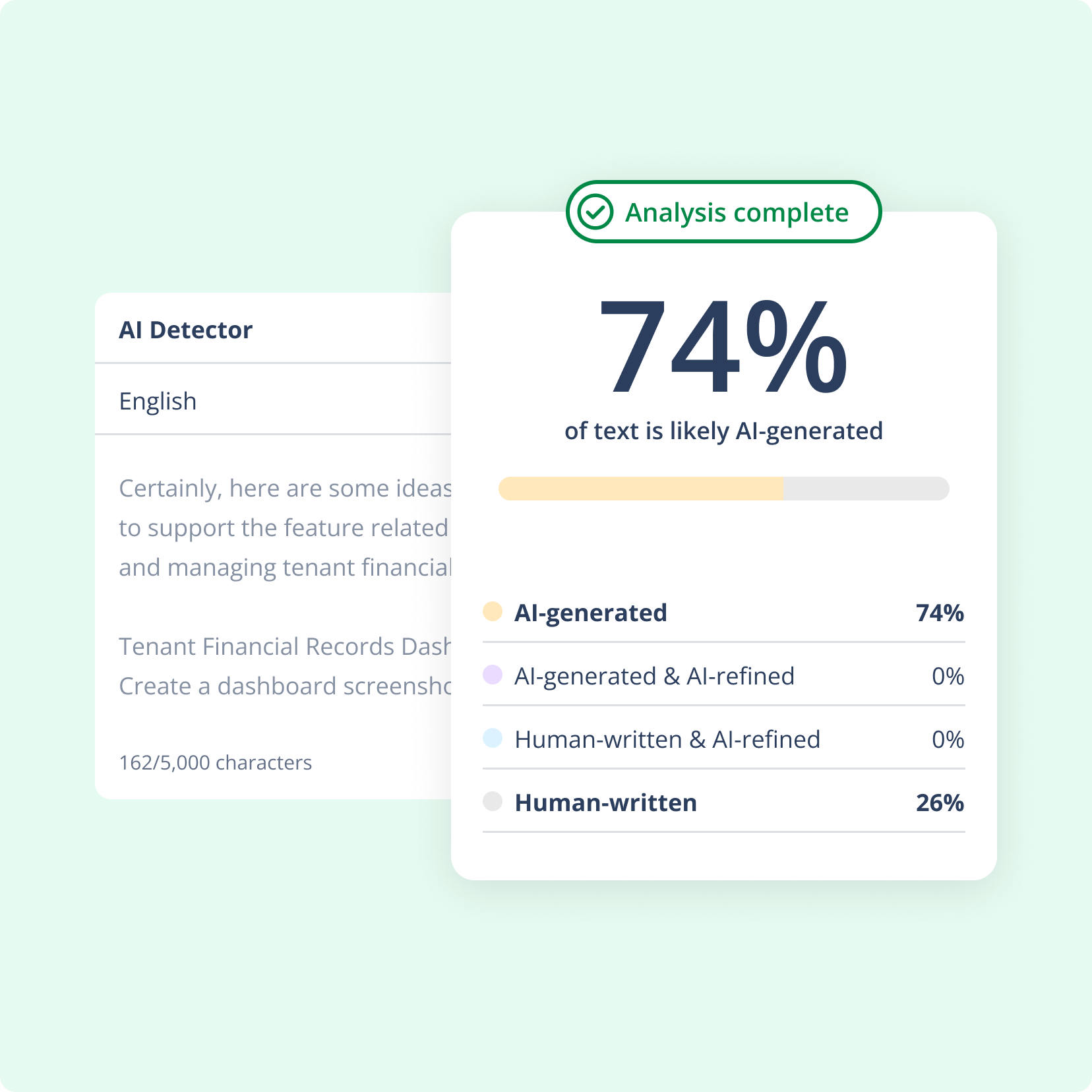
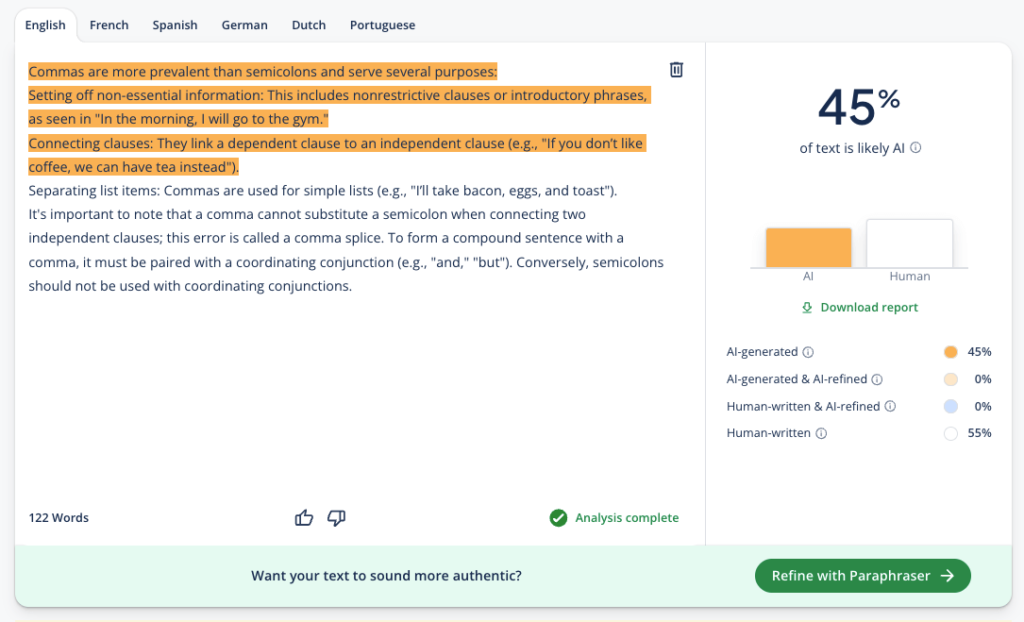
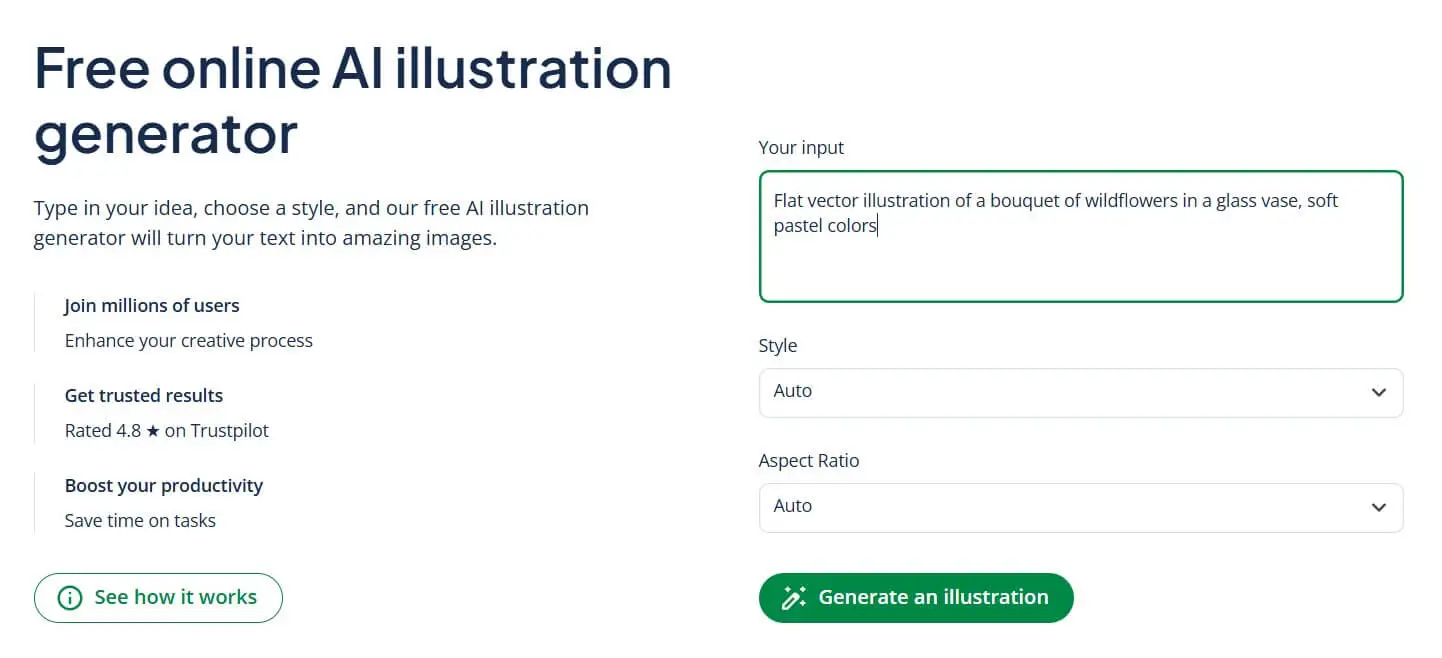
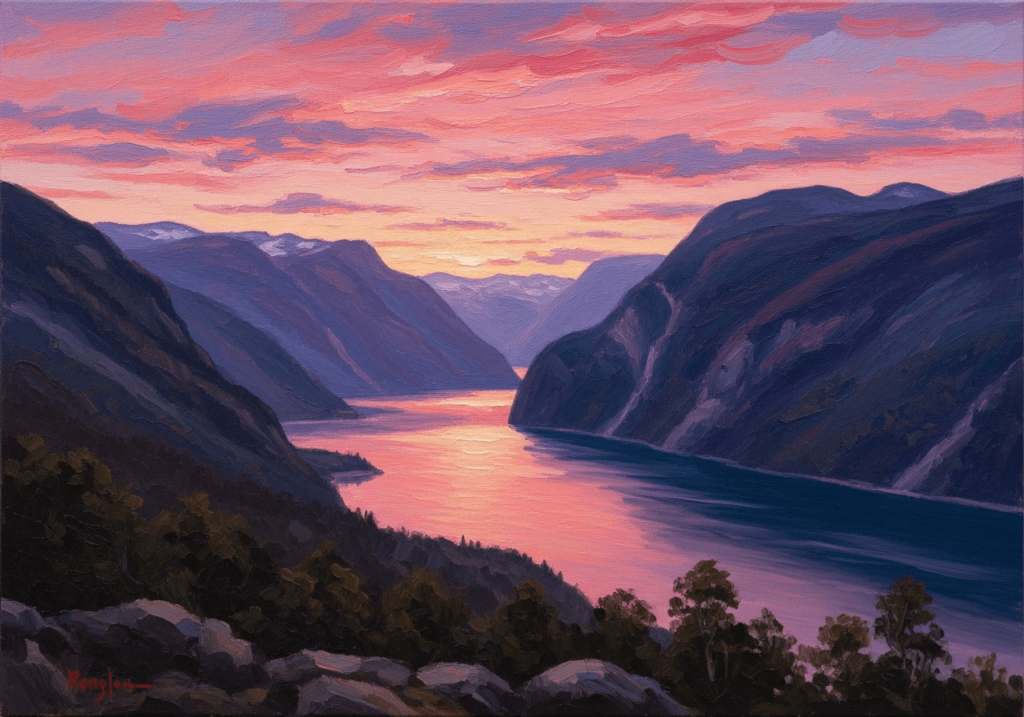
What it is: A simpler tool from QuillBot that converts your text prompts into images, offering style selection and quick results. (QuillBot)
Key benefits:
- Very easy to use; minimal setup.
- Free access without heavy design background needed.
Caveats: - Might be less robust in terms of style/model options compared to the bigger platforms.
- Licence or commercial use might have limitations (check the terms).
Best for: Quick one‑off images, fun projects, initial prototypes where you don’t need high‑end visual fidelity or full commercial licence.
How to Choose the Right Free AI Image Generator
When deciding which one to pick (or test), consider:
- Purpose & output quality: Do you need high resolution (print, large format) or just web/social size?
- Licence & usage rights: Free is great—but make sure you’re clear whether you can use the images commercially or only for personal/non‑commercial use.
- Style flexibility: Some tools lean more photo‑realistic, others more artistic. Match tool to style.
- User interface & workflow: If you’re not a designer, tools like Canva or QuillBot may be easier. If you want more technical control, platforms like Krea or Freepik give more options.
- Free tier limitations: Be aware of daily quotas, quality limits, model‑availability restrictions.
- Brand/consistency needs: If you need to generate a series of visuals with the same style, pick a tool that supports model/style consistency.
Some Quick Tips for Getting Better Results
- Be specific in your prompt: describe mood, colour, lighting, composition.
- Use reference images if the tool allows (many do) to guide style.
- Iterate: start with a prompt, then tweak it based on the generated output.
- Understand resolution needs: if you’ll print, go for higher resolution.
- Check licence before using commercially—even if “free” you may have restrictions.