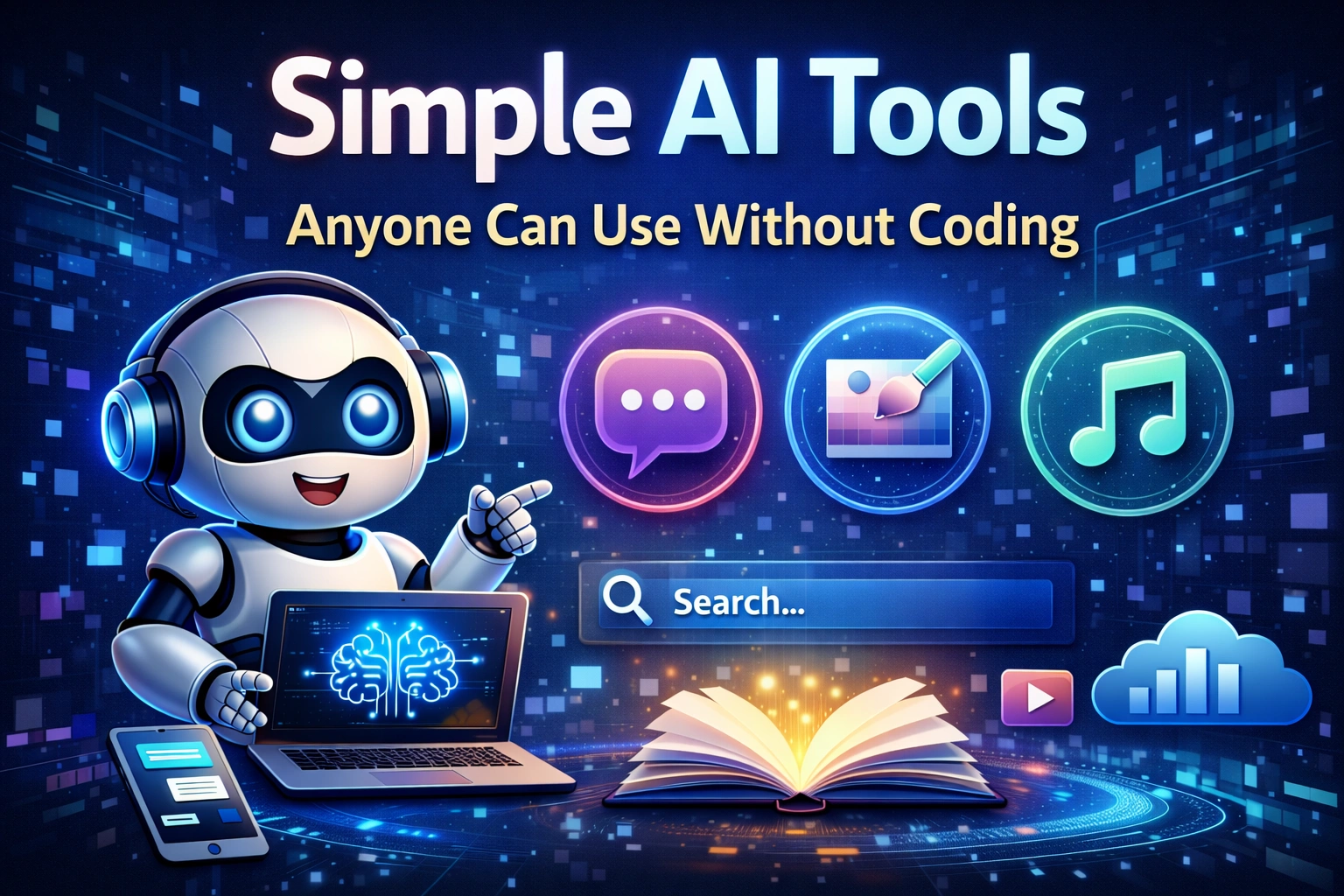
You no longer need programming skills to benefit from Artificial Intelligence. Today, simple AI tools are available to everyone.
Artificial Intelligence is no longer limited to developers or data scientists. In recent years, AI tools have become simpler, faster, and easier to use. Many platforms now allow anyone to generate content, create images, analyze information, and automate tasks without writing a single line of code.
If you are curious about AI but feel intimidated by technical complexity, this guide is for you. Here, you will discover simple AI tools anyone can use without coding, along with clear explanations and practical steps to get started immediately.
What Are Simple AI Tools?
Simple AI tools are user-friendly applications powered by artificial intelligence algorithms. They work through intuitive interfaces where you type instructions or upload content, and the system generates results instantly.
You do not need programming knowledge, software installation, or advanced technical skills. Most tools run directly in your browser.
Why Use AI Tools Without Coding?
- Save time on repetitive tasks
- Improve productivity
- Generate ideas quickly
- Create professional content
- Learn new skills faster
AI tools act like digital assistants. They handle the heavy work while you focus on strategy and creativity.
Categories of Simple AI Tools
1. AI Writing Tools
AI writing tools help create blog posts, emails, summaries, and social media captions.
- Draft blog outlines
- Rewrite text clearly
- Generate email responses
- Summarize long articles
| Task | How AI Helps |
|---|---|
| Blog Writing | Generates structured drafts |
| Email Creation | Improves tone and clarity |
| Text Summaries | Saves reading time |
2. AI Image Generation Tools
These tools convert text descriptions into images. Simply describe what you want, and the AI creates it.
- Social media graphics
- Website illustrations
- Product mockups
- Creative artwork
3. AI Productivity Tools
AI productivity tools organize tasks, summarize meetings, and help manage projects.
- Meeting transcription
- Task organization
- Automatic note summaries
- Research assistance
4. AI Learning Tools
Students and professionals can use AI to explain complex topics in simple language.
- Language practice
- Math problem explanations
- Study guides
- Quiz creation
Step-by-Step: How to Start Using AI Without Coding
Step 1: Choose a Goal
Decide what you want to accomplish. Writing content? Creating images? Organizing tasks?
Step 2: Select a Beginner-Friendly Tool
Look for platforms with free plans and simple dashboards.
Step 3: Create an Account
Most AI tools require only an email to start.
Step 4: Write Clear Instructions
Explain exactly what you need. Include tone, length, and purpose.
Step 5: Review and Edit
AI output should always be reviewed and refined by you.
How to Write Better Prompts
Prompt writing is the key skill when using AI tools without coding.
- Be specific
- Provide context
- Set clear expectations
- Ask for revisions if needed
The quality of your results depends on the clarity of your instructions.
Common Mistakes to Avoid
- Using vague instructions
- Copying content without editing
- Ignoring privacy policies
- Expecting perfect results instantly
Are Free AI Tools Enough?
For beginners, free AI tools are usually sufficient. They allow experimentation and learning without financial commitment. Paid plans are useful only when you need higher usage limits or advanced features.
| Free Plan | Best For |
|---|---|
| Limited Usage | Learning and testing |
| Basic Features | Personal projects |
| No Cost | Beginners exploring AI |
Future Opportunities with AI Skills
Learning to use AI tools builds valuable skills:
- Prompt writing
- Digital productivity
- Automation awareness
- Creative collaboration
These skills are increasingly important in modern workplaces.
Conclusion
Simple AI tools anyone can use without coding are transforming the way we work and learn. You do not need technical expertise to benefit from artificial intelligence. With clear goals and consistent practice, AI becomes a powerful assistant that supports your creativity and efficiency.
Start small, practice daily, and gradually explore more advanced features. The future belongs to those who learn how to work with AI.
Quick Action Plan
- Choose one AI tool category
- Create a free account
- Complete one small task
- Review and refine the output
- Practice consistently
Frequently Asked Questions
Do I need programming knowledge to use AI tools?
No. Most modern AI tools are designed for non-technical users.
Are AI tools safe?
Reputable platforms follow security standards, but always review privacy policies.
Can AI replace human creativity?
AI enhances creativity but does not replace human thinking and strategy.
How long does it take to learn AI basics?
With regular practice, noticeable improvement can happen within weeks.